Skip to Content
Automower® support
Determining your Automower® Connect app version
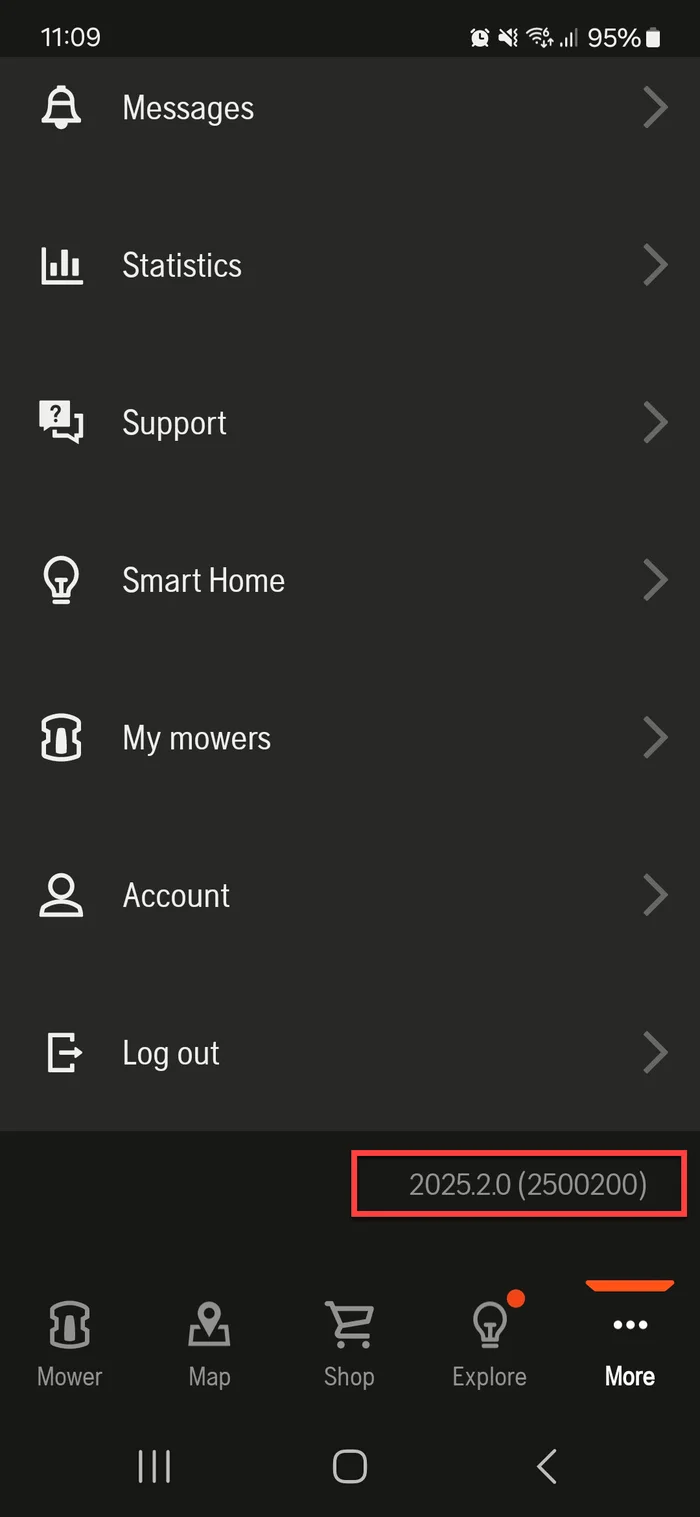
Follow these steps to easily determine the version of your Automower® Connect app:
Open the Automower® Connect app on your device.
Go to the More tab.
Scroll down to the bottom of the screen. Here you’ll find the app version displayed.
Tip: Keep Automower® Connect up to date! Enable automatic app updates in your mobile device’s app store to always get the latest features and fixes.