Skip to Content
Petrol-powered Trimmer support
The engine does not get fuel
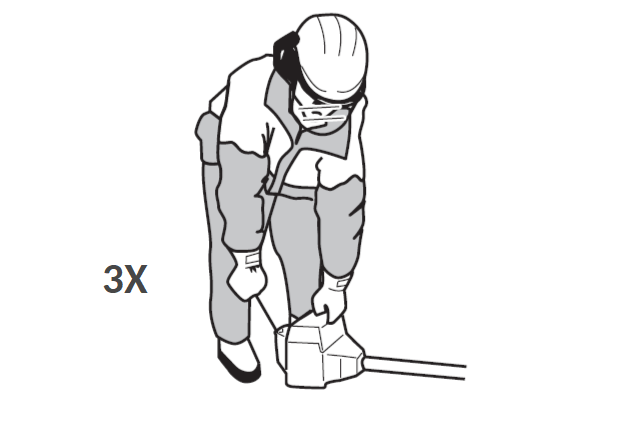
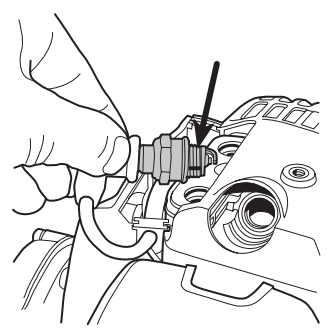
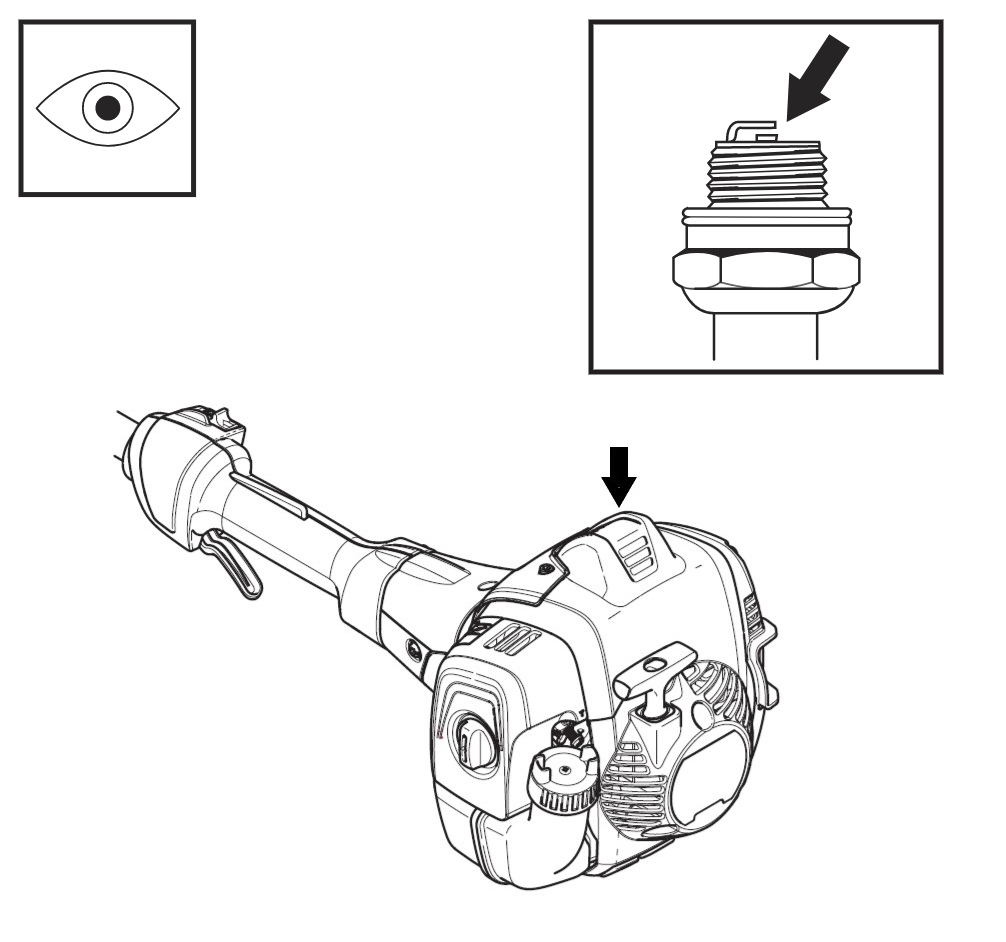
To check if the engine is getting fuel, pull the starter rope three times. Remove the spark plug and check if the electrode is dry.
If the electrode is dry the motor is not getting fuel.
Try this solution
Check the fuel line and fuel filter
If the engine is not receiving fuel, the issue can often be resolved by inspecting the fuel hose and cleaning or replacing the fuel filter.
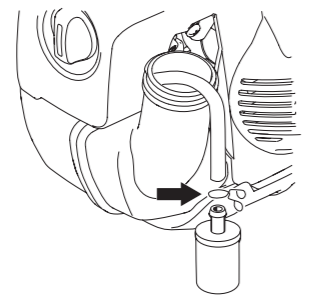
1. Locate the fuel filter inside the fuel tank. It is attached to the end of the fuel hose and can be accessed through the fuel filler opening. Carefully remove the filter.
2. Inspect the fuel filter. If it is only lightly soiled, clean it with a soft brush. If it is heavily contaminated or damaged, replace it with a new one.
3. Inspect the fuel hose for any blockages, cracks, or signs of leakage. Replace the hose if it is damaged.
4.
Ensure the fuel filter is securely attached to the fuel hose. The filter neck should be fully inserted into the hose, and the retaining clip should be tightened enough to prevent the filter from slipping off.
On this page