Skip to Content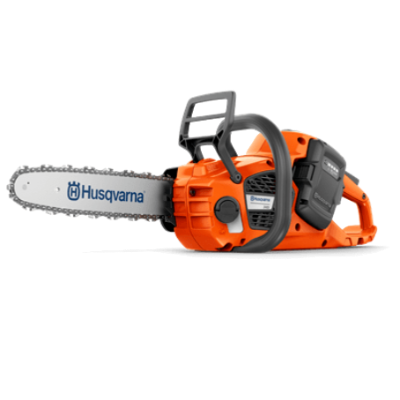
Battery Chainsaw support
How to clean a battery-powered chainsaw
Keeping your Husqvarna battery-powered chainsaw clean is essential for the longevity of the product as well as its optimal performance.
How to clean a dust filter on a battery-powered chainsaw
Clean a dust filter if you notice the battery getting hot faster. This can occur due to limited cooling.
Protective gloves
Protective eyewear
Soft brush
Method:
Remove the battery from the product.
Remove the dust filter.
Clean it with a brush. If there is a lot of dust, you can use compressed air.
Put back the clean dust filter.
Put back the battery.
How to clean battery connectors on a battery-powered chainsaw
Protective gloves
Protective eyewear
Compressed air
Method:
Remove the battery from the product.
Use the compressed air to clean the battery connectors.
Put back the battery.